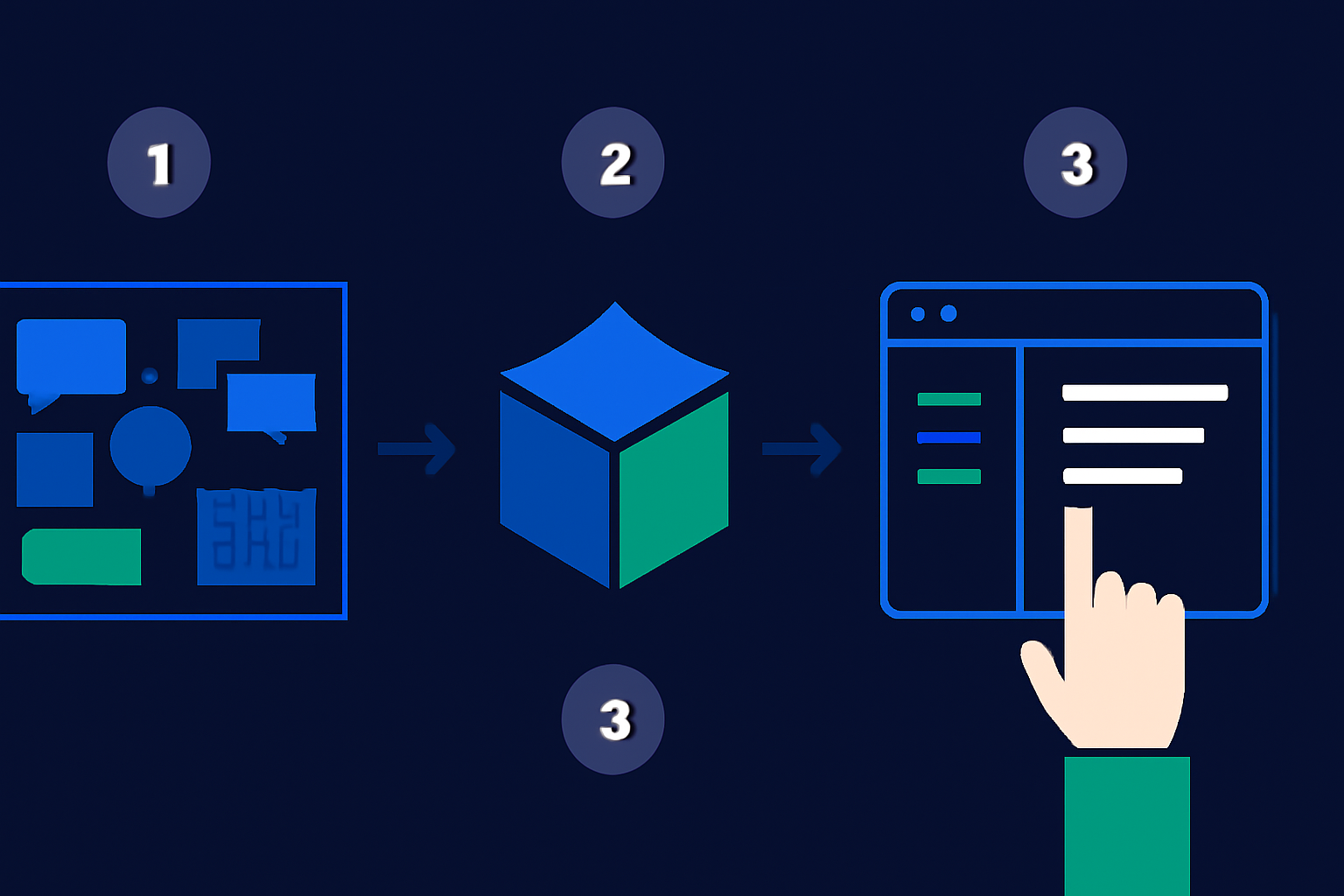
Quick Verdict: Notion has greatly advanced by 2026 to become a comprehensive productivity platform. With AI-driven features, customizable templates, and collaborative workflows, it effectively combines the capabilities of multiple tools, such as task managers, CRMs, and document editors. For small businesses, it presents a centralized and budget-friendly solution for process consolidation.
Key Takeaways
- Minimize app overload: Consolidate at least 10 tools into Notion’s all-in-one workspace.
- Optimize operations: Utilize Notion AI to handle time-intensive tasks with ease.
- Cut expenses: Centralize your workflows and eliminate duplicate SaaS subscriptions.
📋 Table of Contents
– An Essential Checklist: – Pro Tip: Spend time exploring Notion’s latest features in 2026, including AI blocks, pre-built integrations, and templates designed for industries like marketing, project management, and sales. These can save setup time while aligning closely with organizational needs. – Step 1: Identify Tools You Want to Replace – Step 2: Map Existing Workflows – Step 3: Migrate Data into Notion – Step 4: Customize Pages for Core Functions – Step 5: Utilize Notion AI for Automation – Step 6: Integrate External Tools Only When Necessary – Can Notion really replace 10 tools in one workspace? – Is the free version of Notion enough for small businesses? – How does Notion’s AI compare to standalone AI tools? – What team size works best for using Notion as an all-in-one? – Are there limitations to replacing some types of tools with Notion? – How secure is Notion for storing sensitive business data?—
—
What You’ll Need to Get Started
Before repurposing Notion as your primary business tool, ensure the following resources are in place:
- Notion account: The free version suffices for personal use, while the premium option ($8/user/month as of April 2026) introduces enhanced collaboration features and AI functionalities.
- A list of current tools: Identify the tools and workflows you aim to replace. Common examples include Trello, Slack, Google Docs, Asana, and HubSpot.
- Notion AI subscription: Integrated within the premium tier, this feature simplifies automation, enabling tasks like data sorting and text drafting.
- Basic Notion knowledge: Familiarity with functions like pages, templates, and databases will help in creating an efficient workspace.
- Clear objectives: Set measurable goals, such as improving task management, reducing costs, centralizing communications, or organizing resources more effectively.
An Essential Checklist:
- Preliminary Audit: Assess inefficiencies in your current workflows. Identify bottlenecks or overlapping functions across tools.
- Evaluate Costs: Budget how much you’re spending on separate apps. Determine the immediate cost benefits of switching to Notion’s consolidated pricing.
Pro Tip: Spend time exploring Notion’s latest features in 2026, including AI blocks, pre-built integrations, and templates designed for industries like marketing, project management, and sales. These can save setup time while aligning closely with organizational needs.
Key fact (as of April 2026): Notion’s $8/user/month premium plan provides unlimited file uploads, AI assistance, and dedicated customer support—offering exceptional value for small- to medium-sized teams.
—
Quick Overview: What You’ll Accomplish
By following this guide in detail, you can accomplish the following:
- Simplify your tool setup: Replace over 10 separate software solutions with a single Notion workspace.
- Reduce redundancies: Consolidate your project management, communication channels, and document repositories.
- Lower operational costs: Avoid spending an estimated $1,000–$1,200 annually on unnecessary SaaS tools.
- Create a unified workspace: Eliminating app-switching saves time, improving team efficiency.
- Secure a scalable setup: With regular updates, Notion adapts effortlessly to market demands and organizational growth.
Real-World Scenario: Imagine replacing Trello for project tracking, Dropbox for file management, HubSpot for CRM, and Google Docs for content writing— all within a single, interconnected hub. This radical simplification allows employees to spend less time searching for information and more time accomplishing tasks.
Key fact (as of April 2026): Research shows that centralizing workflows with solutions like Notion increases productivity by 38%, particularly in small businesses where scattered tools hinder clarity.
—
Step-by-Step Guide to Replacing 10 Tools with Notion
Step 1: Identify Tools You Want to Replace
Begin by listing the applications your team relies on daily. Categorize them by their primary functions:- Task management: Examples include Trello, Asana, or Monday.com.
- File storage and sharing: Platforms like Google Drive, Dropbox, or OneDrive.
- Team communication: Apps such as Slack, Microsoft Teams, or Discord.
- Customer relationship management (CRM): Software such as HubSpot or Salesforce.
- Data handling and analytics: Programs like Airtable or Google Sheets.
- Content organization: Tools like Evernote or Notepad++ for note-taking and archiving.
Example Assessment:
- [ ] Slack handles both casual messaging and work-critical discussions, but lacks task context.
- [ ] Trello simplifies task visualization but requires integrations with other tools like Google Drive for attachments.
For each tool, highlight redundancies. Example Action: Instead of managing tasks on Trello and messaging on Slack, consolidate both functions into Notion’s kanban databases and comment threads for improved tracking.
—
Step 2: Map Existing Workflows
Understanding how your team operates is crucial before implementing changes. Identify workflows for tasks such as:- Brainstorming sessions
- Content production
- Resource allocation
- Sales funnel monitoring
Locate inefficiencies in current processes, such as:
- Switching between apps to track dependencies.
- Losing context between CRM notes and customer interactions due to tool fragmentation.
Streamlined Approach in Notion: Start with a relevant Notion template:
- Kanban Boards for Task Management: Replace Trello for boards.
- Team Directory Dashboards: Substitute tools like Monday with an internal directory that links directly to project pages.
By 2026, Notion templates now have smart automation blocks pre-configured to reduce manual setup. Link related tasks (e.g., content deadlines) across team members with AI insights highlighting priorities.
—
Step 3: Migrate Data into Notion
Migrating existing data into Notion’s structure is simpler in 2026 due to compatibility with 25+ apps and smooth import tools.#### Example Migrations:
- Trello: Import boards, task cards, members, and statuses directly. Tasks retain due dates and priorities.
- Google Sheets/Airtable: Upload CSV files into Notion databases without losing filtering or sorting capabilities.
- Dropbox: Transfer files into Notion’s file management structure to label resources for ease of reference.
Tip: During migration, apply Notion properties like “Owner” or “Status” to tasks or projects for instant categorization.
—
Step 4: Customize Pages for Core Functions
Tailoring Notion for your needs is the key to maximizing efficiency. Here’s how you can design a setup tailored for your organization:- Task Management: Use templates for Gantt charts to better visualize overlapping milestones.
- Sales Management: Add CRM roll-up properties to calculate monthly sales, while linking deal interactions to individual client profiles.
- Team Collaboration: Embed brainstorming whiteboards or Zoom meetings directly into Notion pages, centralizing discussions for better focus.
2026 Features Insight: Pre-built dashboards now include dynamic auto-updating widgets like countdown timers for tasks and activity summaries of team members.
—
Step 5: Utilize Notion AI for Automation
By 2026, Notion AI includes pre-trained models designed specifically for workplace optimization. Leverage AI for automation in the following ways:- Automatically Generate Reports: Summarize data-heavy projects into dashboards with key insights.
- Optimize Content Drafts: Feed raw materials like meeting notes or brainstorming ideas into AI prompts to spin coherent articles or proposals.
- Streamline Team Files: Use AI to auto-organize uploaded attachments into categorized “folders” within a Notion page.
Use Case Example: A freelance writer preparing weekly client summaries saves hours by asking AI: “Summarize this week’s completed drafts in 100 words.”
—
Step 6: Integrate External Tools Only When Necessary
While Notion can replace most tools, some specialized functionalities may still benefit from integration. Example workflows:- Schedule recurring Zoom calls and store meeting links inside Notion pages.
- Sync QuickBooks invoices into project timelines for integrated financial tracking.
As of 2026, Notion supports direct API connections with 50+ mainstream platforms, and through integrators like Zapier, you can create custom automations quickly.
—
Real-World Use Case Highlights
Marketing Agency Success A small marketing firm using HubSpot, Google Docs, Airtable, and Slack transitioned workflows to Notion by: 1. Migrating their client communications into a unified CRM using relational databases. 2. Utilizing Kanban boards to track campaign progress. 3. Centralizing guides, assets, and client-specific materials.Results: Saved $2,500 annually in tool subscriptions while cutting project timelines by 30%.
Design Teams and Whiteboards Replacing Miro with Notion’s collaborative whiteboard feature allowed designers to visually map ideas and attach inline comments, streamlining feedback sessions.
—
The Financial Edge
| Tool Eliminated | Avg Monthly Cost/User | Notion Replacement |
|---|---|---|
| Trello Premium | $10 | Kanban boards in Notion |
| HubSpot Starter Plan | $50/2 users | CRM-friendly relational databases in Notion |
| Miro Whiteboards | $8 | Fully integrated whiteboard feature |
| Slack Pro | $7 | Team commenting on tasks |
—
Extra Features to Maximize Efficiency
1. Custom Automations: AI creates reminders based on detected patterns in task lists. 2. Rich Embedding: Real-time dashboards pulled from apps like Google Analytics for continued monitoring without external log-ins. 3. AI Context Assistance: Summarize customer contracts, meeting agendas, and reports instantly while keeping essential data intact.By transitioning workflows to Notion in 2026, businesses can enjoy unparalleled customization, reduced overhead, and greater team productivity. For $8/user/month, it’s one of the most cost-effective, scalable solutions available today.
Leave a Reply