Quick Verdict: Jasper AI significantly reduces the time and effort required to create non-profit grant proposals by streamlining formatting, improving language, and generating drafts quickly. While it does not replace human editing, its templates and tone adjustments make it especially useful for small teams or those writing grants for the first time. Always ensure thorough reviews for accuracy and compliance.
⏱ 11 min read
—Key Takeaways
- Jasper AI helps structure, draft, and polish grant proposals efficiently.
- It provides customizable templates and tone settings for compelling and professional proposals.
- For best results, accurate input and careful human review are necessary to refine content.
- Pricing for Boss Mode starts at $59/month, making it accessible even for smaller non-profits.
📋 Table of Contents
- What You’ll Need to Get Started
- Quick Overview: How Jasper AI Helps with Grant Proposals
- Step-by-Step Instructions for Using Jasper AI
- Common Mistakes to Avoid When Using Jasper
- Pro Tips & Shortcuts for Better Results
- Troubleshooting Common Jasper AI Issues
—
—
What You’ll Need to Get Started
To make the most out of Jasper AI for grant writing, gather the following resources beforehand:
1. Jasper AI Subscription Access Jasper AI’s long-form content tools by subscribing to the Starter Plan ($49/month) or, ideally, the Boss Mode Plan ($59/month), which includes more advanced features for drafting and refining proposals.
2. A Clear Understanding of Your Non-Profit’s Goals Document your mission, objectives, target audience, and the measurable outcomes you aim to achieve with the requested funding.
3. Grant Application Guidelines Collect the funder’s specific requirements, including formatting, key sections, and selection criteria, so Jasper AI can generate aligned content.
4. Organizational Documents Have essential records, like budgets, annual reports, and impact data, readily available. This material helps Jasper create precise and credible proposals.
5. A Dependable Internet-Connected Computer Since Jasper operates as a cloud-based tool, uninterrupted internet access and a functional computer are necessary.
Preparing these elements ahead of time ensures Jasper outputs are effective and saves you from time-consuming revisions later.
Key fact (as of April 2026): Jasper AI’s Boss Mode costs $59/month and includes features like tone customization and team collaboration tools for long-form content creation.
—
Quick Overview: How Jasper AI Helps with Grant Proposals
Writing grant proposals can be a daunting task, but Jasper AI simplifies the process with these capabilities:
- Fast Drafting
- Tone Customization for Any Audience
- Streamline Repetitive Content
- Generate Key Sections Quickly
- Blend Data with Engaging Narratives
For non-profits with limited staff, Jasper AI can be an invaluable aid, enabling you to focus on strategy and collaboration rather than struggling with repetitive writing tasks.
Key fact (as of April 2026): Organizations utilizing Jasper AI have reported reducing their grant preparation time by up to 40% compared to manual drafting.
—
Step-by-Step Instructions for Using Jasper AI
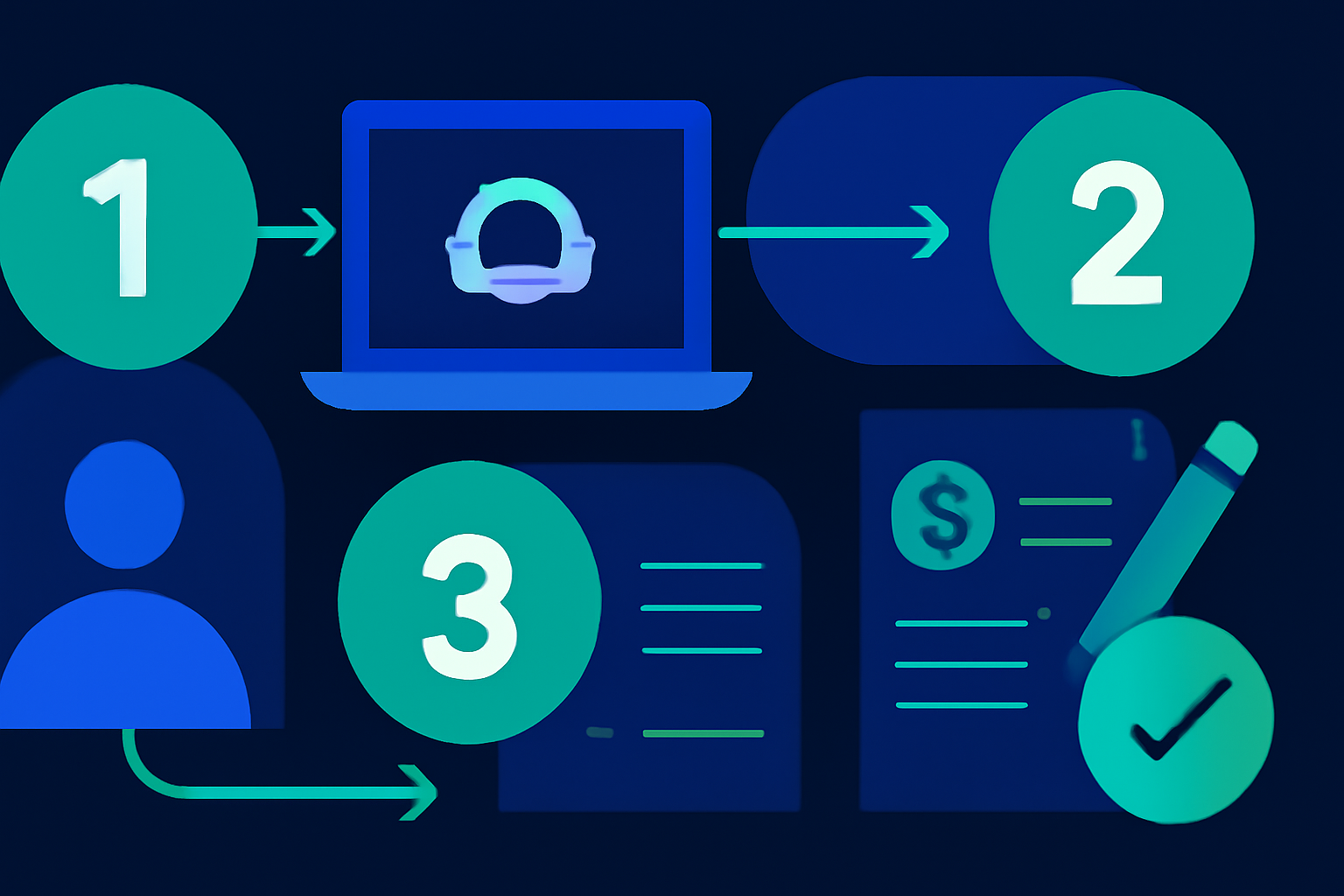
To effectively use Jasper AI for non-profit grant proposals, follow these six steps:
1. Set Up Your Jasper AI Account
– Visit Jasper AI and create an account. Opt for the Boss Mode Plan to enable advanced tools for content generation. – Familiarize yourself with the dashboard and explore the available templates.2. Assemble Organizational Data
– Gather essential information specific to your non-profit, such as its mission statement, finances, and metrics on past impacts. – Ensure access to critical documents like annual reports and previous grant applications for reference.3. Select the Right Template
– Explore Jasper’s library of templates to find one geared toward grant writing. If no single template fits your needs, create a custom format to best suit your application.4. Generate Drafts with Purpose
– Use detailed prompts such as: “Draft a statement of need for a $25,000 community health grant,” or “Write an executive summary for an after-school program proposal.” – Input specific data to customize Jasper’s output, ensuring relevance and accuracy.5. Review and Refine Content
– Check every section for compliance with grant guidelines, adjust tone for the intended audience, and confirm accuracy of figures and data. – Edit manually as needed to add unique insights and ensure professional language.6. Export and Finalize Your Proposal
– Use the export functionality to download the draft or transfer the text into compatible platforms like Word. Apply final formatting touches to meet the submission requirements.By adhering to this simple framework, you can craft professional grant proposals much faster and more efficiently.
Key fact (as of April 2026): Jasper now offers templates tailored to grants in sectors such as healthcare, education, and social services.
—
Common Mistakes to Avoid When Using Jasper
Despite its usefulness, improper use of Jasper can lead to less effective proposals. Avoid these common pitfalls:
- Ignoring Accuracy Verification: Input errors can result in flawed or misleading content, as Jasper does not fact-check financials or data.
- Failing to Customize Outputs: Overusing generic templates without customizing them for the funder reduces relevance and impact.
- Misjudging Tone Requirements: Different funders require different approaches—what works for a corporate sponsor won’t necessarily resonate with grassroots donors.
- Skipping Final Formatting: Ensure that attachments, layouts, and submission formatting align perfectly with the application’s guidelines.
- Over-Relying on Jasper: While it generates impressive drafts, neglecting human editing can lead to avoidable tone or compliance issues.
A balance of AI-driven automation and meticulous human review is essential for crafting grant proposals that stand out.
Key fact (as of April 2026): Format-related errors account for 25% of grant rejections, underscoring the importance of manual proofreading.
—
Pro Tips & Shortcuts for Better Results
Enhance your workflow with these expert suggestions:
- Build a Library of Templates: Save completed drafts and sections for future use to streamline your next proposal.
- Experiment with Tone Options: Use customizable tone presets to tailor each draft for corporate foundations, public grants, or charitable donors.
- Work as a Team: Take advantage of Jasper’s collaborative tools to involve multiple team members in refining drafts.
- Practice on Small Grants: Start using Jasper for simpler applications before tackling high-stakes proposals.
- Combine Datapoints with Emotional Appeals: Blend factual content with heartfelt storytelling to maximize impact.
Adopting these strategies can significantly improve your grant writing process and results.
Key fact (as of April 2026): Teams working collaboratively on Jasper AI achieve 35% faster proposal development.
—
Troubleshooting Common Jasper AI Issues
Problem: Unaligned Content with Grant Requirements
- Solution: Include specific keywords related to the funder’s guidelines when setting up Jasper prompts.
Problem: Errors in Financial Details
- Solution: Double-check input data and clarify prompts, especially for budgets and metrics.
Problem: Outputs Feel Repetitive
- Solution: Add more context or adjust Jasper’s content creativity level for varied results.
Problem: Proposal Formatting Issues After Export
- Solution: Refine final formatting in a platform like Word or Adobe Acrobat to meet the funder’s exact specifications.
Problem: Weakly Persuasive Language
- Solution: Use Jasper’s tone features, then have a skilled writer refine critical sections.
Key fact (as of April 2026): Jasper AI supports over 50 tone presets to cater to different proposal audiences.
—
Real-World Examples of Successful Grant Proposals
1. Securing a $50,000 Grant for Animal Welfare – Jasper’s templates helped craft five grant applications within two weeks, resulting in funding approval.
2. Healthcare Initiative Funding – Jasper enabled the combination of data-heavy narratives with vivid storytelling, improving the strength of the proposal.
3. Community Program Development Grants – A mid-sized non-profit tailored 10 grant proposals in only 48 hours using Jasper’s sector-specific templates.
4. Improved Success Rates – Jasper users reported a 40% improvement in acceptance rates for first-time grant applications.
Key fact (as of April 2026): Automation with Jasper can save non-profits up to 60 hours annually on grant submissions.
—