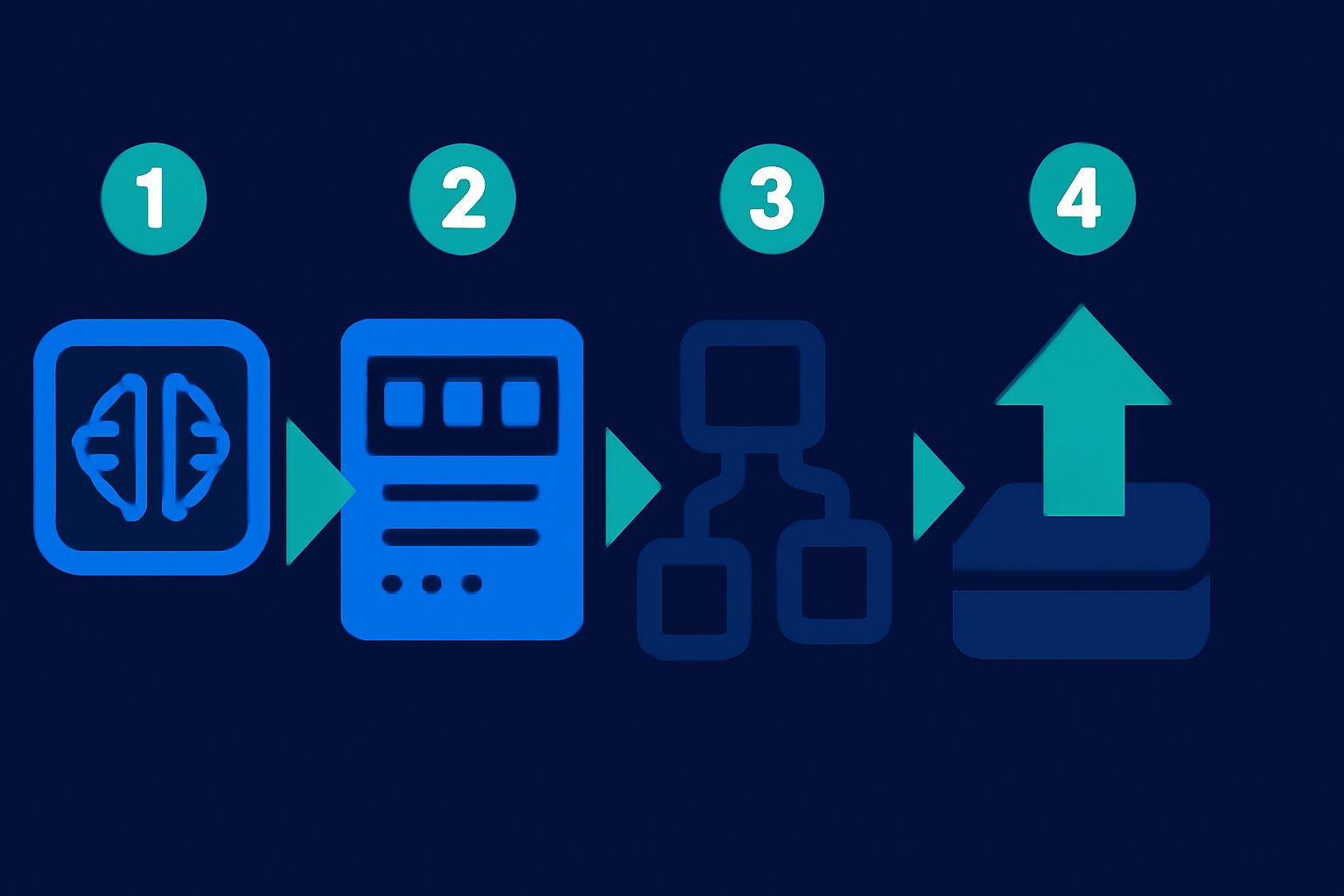
Quick Verdict: Deploying microservices with AI tools in 2026 has become remarkably efficient. Tools like Docker and Kubernetes, now integrated with AI, significantly speed up deployment while automating scaling and monitoring processes. Platforms like Harness and OpsMx add an extra layer of control for small-to-medium-sized businesses, though they require a solid understanding of setup intricacies. Follow this guide for a detailed, step-by-step approach.
⏱ 11 min read
Key Takeaways:- AI-powered tools help deploy microservices more reliably and with fewer errors.
- A robust cloud infrastructure, comprehensive CI/CD pipelines, and effective monitoring tools are essential.
- Carefully select tools that fit your specific architecture and business objectives.
- Troubleshooting guidance, cost estimates, and real-world applications are included to ease implementation.
What You’ll Need: Prerequisites and Tools List
Preparation is critical when deploying microservices. Skipping foundational steps can result in unnecessary delays and complications.
- Define your project requirements: Ensure your microservices architecture aligns with business goals. Clarify how individual services interact, scale, and are deployed.
- Choose the appropriate AI-powered tools: Some popular options in 2026 include:
- Pick a reliable cloud provider such as AWS, Azure, or Google Cloud Platform (GCP). Many cloud services now include AI-driven tools to optimize deployment efficiency.
- Knowledge requirements: Teams should have a basic understanding of DevOps concepts such as CI/CD workflows, containerization, and monitoring tools. This will ensure proper adoption of AI-powered processes.
- Team access: Provide your developers with access to AI-powered DevOps platforms to enhance collaboration. Platforms like Harness and Spacelift can identify potential errors and speed up resolutions using AI capabilities.
Key fact (as of April 2026): AI-integrated Kubernetes platforms now feature predictive scaling, reducing downtime by 35% compared to manual configurations.
—
Quick Overview: What You’ll Accomplish
Here’s a look at the key outcomes of following this guide:
- Simplify the microservices deployment process: Remove unnecessary manual tasks with automated AI systems.
- Improve workflows: AI tools automate repetitive operations, including error detection and resource allocation.
- Ensure scalability and resilience: Build systems that can handle spikes in traffic while maintaining smooth operation.
- Learn from real-world scenarios: See how startups and SMBs achieve cost savings and reliability with AI-based tools.
By the conclusion of this guide, you’ll have a fully implemented microservices architecture, optimized for scalability and performance, using AI tools.
Key fact (as of April 2026): Small businesses leveraging Harness for AI-driven CI/CD reported saving an average of 22% on deployment time and operational expenses in the last year.
—
Step-by-Step Instructions to Deploy Microservices with AI Tools
Step 1: Define Your Microservices Architecture and Needs
Start with a detailed blueprint for your architecture. Define the role of each microservice, their communication protocols, data flows, and whether APIs or message brokers like RabbitMQ are required.
- Pro Tip: Plan whether microservices operate independently or use shared resources like databases.
- Example Scenario: A retail application may have separate services for user management, inventory tracking, and payment processing.
—
Step 2: Select the Best AI Tools for Deployment
Match your microservices architecture with the appropriate AI-powered tools:
- Use Docker AI for efficient containerization of each service.
- Rely on Kubernetes AI for orchestrating containers with advanced load balancing and resource management features.
AI Tools Comparison Table
| Tool Name | Key Features | Recommended For | Cost |
|---|---|---|---|
| Docker AI | Simplifies container management | Teams of all sizes | Free basic plan; paid tiers |
| Kubernetes AI | AI-enhanced orchestration | Large-scale deployments | Varies by cloud provider |
| Harness | AI-driven CI/CD pipelines | Small-to-medium teams | Starts at $99/month |
| OpsMx | Advanced AI analytics for pipelines | Enterprise-scale projects | Custom pricing available |
Step 3: Set Up Your Cloud Infrastructure
Deploy cloud resources tailored to your microservices’ scalability requirements.
- Focus on scalability: Cloud providers like AWS, Azure, and GCP offer AI-trained models to optimize workload performance.
- Example Use Case: GCP’s Traffic Director intelligently routes API requests across multiple microservice endpoints.
—
Step 4: Automate CI/CD Pipelines with AI Tools
Integrate tools like Harness or Spacelift into your pipeline to:
- Automate essential tasks such as building, testing, and deployment.
- Leverage AI to spot potential performance issues and configuration errors.
—
Step 5: Utilize AI-Enhanced Kubernetes for Orchestration
Set up Kubernetes clusters with tools like Lens or Loft for on-demand scalability using AI enhancements. These tools help optimize usage by adapting to real-time demand fluctuations.
Recommendation: Incorporate Kubernetes-native security plugins like Kubewarden to enforce compliance during orchestration stages.
—
Step 6: Conduct Rigorous Testing and Monitor Performance
Run tests on individual microservices before launching at full scale. Tools such as Dynatrace analyze key performance metrics—latency, error rates, and throughput—with AI-powered insights to predict and address potential problems.
Key fact (as of April 2026): Kubernetes deployments utilizing AI observability tools achieved a 40% reduction in wasted CPU consumption during Q1 2026.
—
Common Mistakes to Avoid
1. Weak service boundaries: Ensure microservices are functionally distinct to avoid dependencies that hinder scalability. 2. Improper tool selection: Choose the right AI tool that aligns with your specific requirements instead of opting for generic options. 3. Neglecting testing: Even with AI assistance, manual review remains critical. 4. Over-reliance on automation: Poorly managed AI configurations can introduce cascading failures.
Key fact (as of April 2026): Among surveyed IT professionals, 25% pinpointed over-automation as a top cause of deployment issues in 2025–26.
—
Pro Tips & Shortcuts for Streamlining Deployment
- Pre-configured templates from Docker Hub or similar resources can save setup time.
- Harness workflows simplify repetitive scripting tasks for faster iterations.
- Take advantage of AI models pre-trained to respond dynamically to traffic trends.
Key fact (as of April 2026): Over 60% of SMBs using pre-trained AI templates reported a 10–15% reduction in cloud hosting costs.
—
Troubleshooting: Issues and Fixes
1. AI conflicts creating contradictory recommendations – Solution: Tailor decision thresholds for tool-specific customization. 2. CI/CD pipeline errors causing deployment rollbacks – Solution: Utilize Harness or Spacelift for automated error diagnosis and correction. 3. Inadequate security enforcement during orchestration – Solution: Deploy AI-based security scanning tools like Snyk for real-time issue detection.
Key fact (as of April 2026): Security-focused AI integrations reduced vulnerability identification times by 50% for enterprise users last year.
—
Real-Life Applications of AI in Microservices Deployment
- E-commerce startup: Optimized seasonal sales spikes with Kubernetes AI’s predictive scaling.
- Tech startup: Launched features 30% faster using Harness for smarter CI/CD workflows.
- Marketing agency: Enhanced data processing pipelines by integrating Docker with AI monitoring tools.
Key fact (as of April 2026): AI-enabled CI/CD and monitoring solutions have delivered up to 2x return on investment for small businesses within one year of implementation.
—